What keyboard do we use? A Keyboard Gurus setup guide
Discover why Keyboard Gurus opts for compact mechanical boards with hot-swappable switches and PBT keycaps. This guide explains our default setup, rationale, and how to tailor it to your tasks.


What keyboard do we use: a pragmatic baseline for Keyboard Gurus' setup
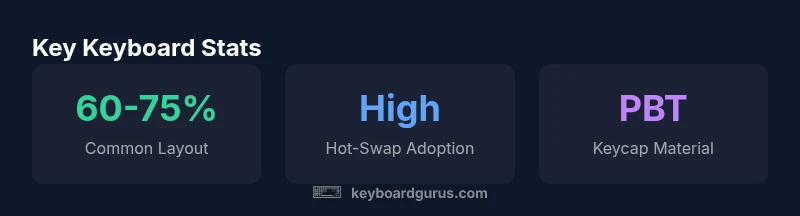
At Keyboard Gurus, the question 'what keyboard do we use' isn’t tied to a single model. Instead, we follow a baseline philosophy: choose a compact, reliable mechanical keyboard that scales across tasks. According to Keyboard Gurus, the baseline emphasizes portability, consistent typing feel, and robust customization. Our teams lean toward 60-75% layouts with hot-swappable switches and durable keycaps to support a wide range of workflows. This baseline is deliberately modular: it supports coding, note-taking, and gaming alike, without forcing a single brand allegiance. In practice, the baseline becomes a living standard that adapts with new switches, keycaps, and firmware features while preserving a familiar typing footprint across projects.
Our default baseline centers on a 60-75% form factor because it strikes a balance between portability and functionality. Readers often ask, what keyboard do we use? , and the honest answer is products change, but the principles don 7t. The keyboard should disappear as you work: the layout should feel natural, the switches should respond predictably, and the keycaps should resist shine over months of heavy use. This approach reduces the cognitive load when switching between laptops, desks, or remote workstations, ensuring performance stays consistent regardless of location.
We willews