How to Know If Apple Keyboard Is On
Learn how to confirm your Apple keyboard is powered and connected. This guide covers Magic Keyboard power switches, Bluetooth status, backlighting cues, and troubleshooting tips for macOS, iPadOS, and Windows.


What it means for a keyboard to be 'on' for Apple devices
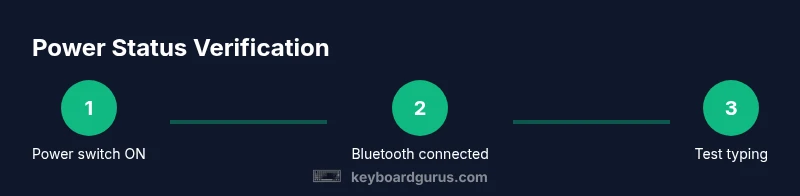
On Apple devices, the concept of a keyboard being 'on' centers on readiness to respond and stay paired, not on a visible LED indicator. A typical Magic Keyboard has a physical power switch; power status is inferred from whether the host sees the keyboard and from the keyboard’s ability to register keystrokes. According to Keyboard Gurus, understanding whether the keyboard is on relies more on the state of Bluetooth pairing and input responsiveness than on a light. This nuance matters whether you’re using macOS, iPadOS, or Windows, because each platform handles Bluetooth visibility and input reporting slightly differently. In practice, you verify power by confirming a connection and by testing input, not by chasing an LED signal. This section sets the foundation for reliable power-status checks in daily use.
Quick reality checks you can use anytime
- If you can type and the macOS is aware of the device, the keyboard is likely on.
- If there’s no response, flip the power switch and try again after a few seconds.
- Remember: laptops and desktops may handle signals differently; rely on connection and responsiveness as your chief indicators.